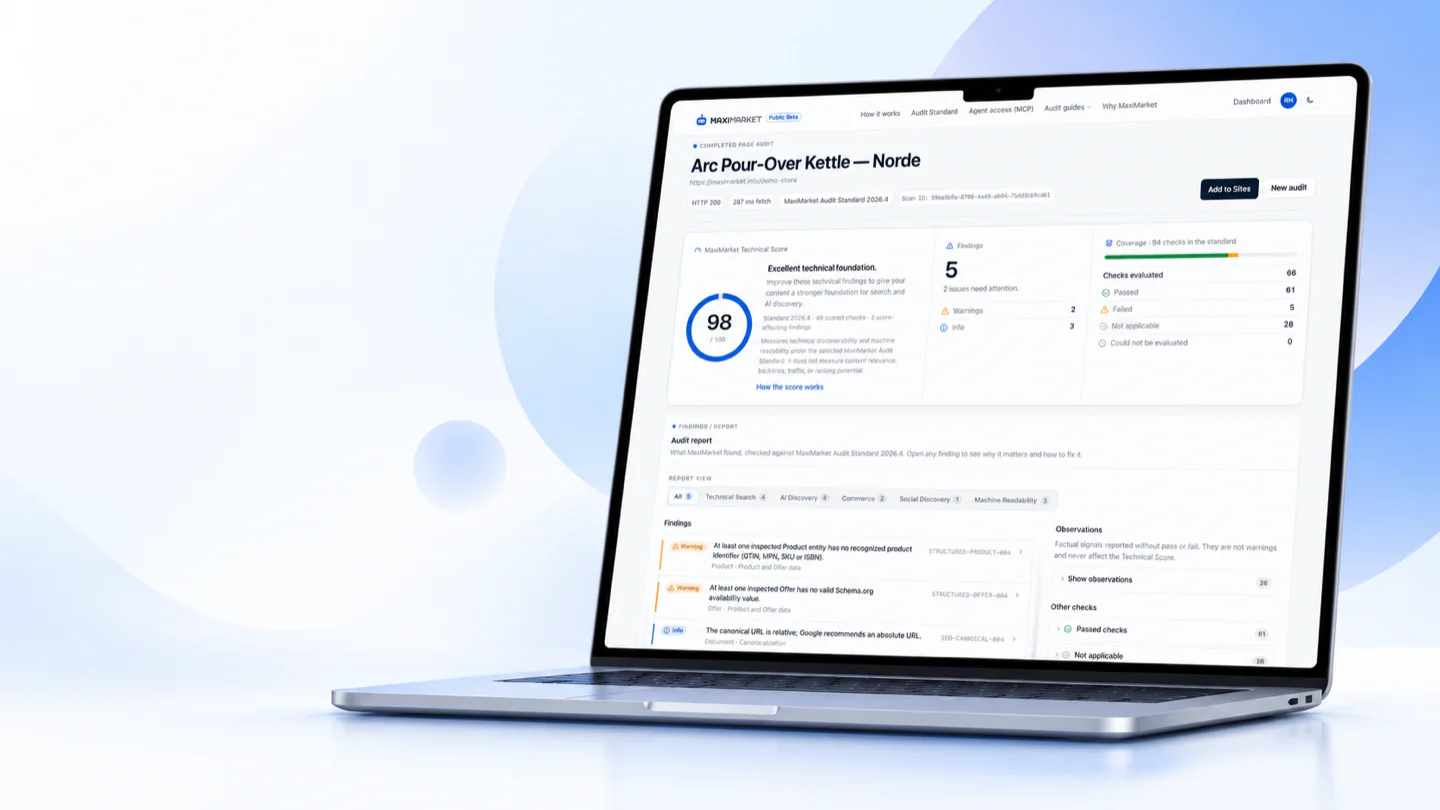
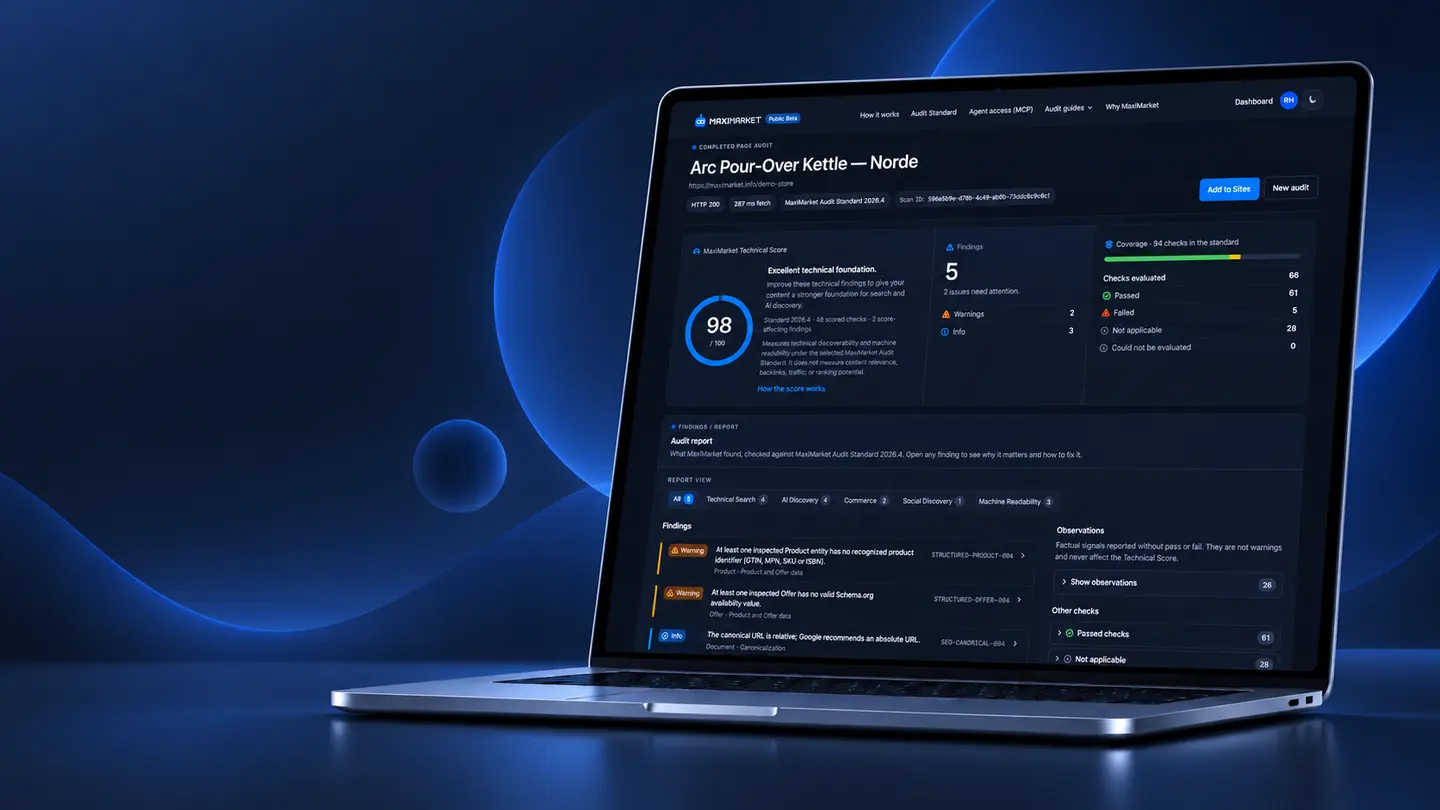
Free website audit · AI readiness · Structured data
FreeTechnicalSEOAudit.FindIssues.KnowWhattoFix.
Scan a page for SEO issues and check AI bot access. Spot gaps in site data. Get a clear Fix Brief. Share it with your team or coding agent. Then scan again to check the fix. Works for online stores, blogs, business sites, and more. See How It Works
Initial HTML, rendered when JavaScript builds the page
No source-code access
Only the public URL is read
Audit → Fix Brief → Fix → Verify
Find the issue. Share the fix. Check the result.
Know what is technically wrong and what to fix, verify what actually shipped, and find out when a later deploy, CMS edit or third-party script brings a problem back.
The live public page, checked against the published Audit Standard: exact evidence, the rule it failed and the source behind it.
Warning
The canonical URL uses a different scheme or host than the one the site's redirects lead to.
Rule
SEO-CANONICAL-010
Authority
Official platform recommendation
Source
Google Search Central: How to specify a canonical URL
02Create a Fix Brief
Follow the guidance or a Fix Brief
You, a developer or a coding agent changes your own source code, with plain-language steps or the same finding as a structured Fix Brief.
Fix Brief · get_fix_brief{"rule_id": "SEO-CANONICAL-010",
"severity": "warning",
"expected_state": "The canonical URL is on the preferred origin.",
"how_to_fix": "Declare canonical URLs on the preferred origin: the one every other variant redirects to.""verification": { "method": "re-audit" }
}
03Fix
Your developer or coding agent makes the changes
They use the brief to update your theme, templates or website code. MaxiMarket does not edit your repository. Review and deploy the changes before checking again.
04Verify
Deploy, then re-audit
MaxiMarket independently audits the public page again. A verified pass confirms a fix. Blocked or undecided checks stay unverified.
First audit
WarningSEO-CANONICAL-010
New audit, after deploying
Check passed
Canonical URL uses the preferred origin
A new audit of the same URL explicitly passes SEO-CANONICAL-010.
With a free account
Keep an eye on your three most important pages.
Theme changes, plugin updates, product edits and deployments can change technical signals. Monitor up to 3 key pages for free, such as your homepage, a product page or a category page. Each week, MaxiMarket compares each check with the last verified audit, shows what changed and emails you when a meaningful regression or fix is detected.
Sites and audit historyEvery audit you keep belongs to a Site, page by page, with its full history.
Weekly page monitoringKeep an eye on your three most important pages for free.
Changes and alertsNew and resolved findings per check, and an email when a meaningful regression or fix is detected.
Agent accessConnect a coding agent over MCP with an API token or by signing in. Revoke it at any time.
If a check is blocked, unavailable or cannot be verified, it is shown separately and the last verified result stays the baseline: MaxiMarket never turns a check it could not verify into a score regression. Your first audit needs no account.
Want to check more than one page?
Global availability and your account access are separate. An Active Early Access feature needs individual activation or access granted by MaxiMarket.
Website SEO Audit Active
Crawl multiple pages of your website and review findings together.
Includes crawl reports, Agent Briefs and Verify fixes. Your developer or coding agent applies changes; a fix check then re-audits affected pages against the source crawl’s standard.
Early Access · 3 calendar months free
100 pages by default; up to 500 pages per crawl.
Crawls: 3 per hour and 10 per 24 hours. Fix checks: 5 per hour and 20 per 24 hours. One active run per site.
Individual activation is required. Free for three calendar months; usage limits apply.
How to use this feature
Open Sites in your dashboard. Audit and save a page first if you have not added a site.
Open your site, choose New crawl, review the settings and start the Website SEO Audit.
Review the crawl findings and create an Agent Brief for your developer or coding agent.
After deployment, open the completed crawl and choose Verify fixes, or start a new crawl.
Fixing by hand works; so does a coding agent. A compatible remote MCP client with the required permissions can run an audit, read the structured Fix Brief and change your code in your environment. After you deploy, MaxiMarket checks the public page independently.
1MaxiMarketAudits the live URL
2MaxiMarketReturns a structured Fix Brief
3Your coding agentEdits your repository, in your environment
4You or your CIDeploy the change
5MaxiMarketRe-audits the same public URL
6MaxiMarket monitoringKeeps watching the page, if you monitor it
MaxiMarket does not edit your repository and does not deploy code. Your source code stays in your environment; MaxiMarket only sees the public URL it audits. Connect with OAuth when your client supports it, or use a scoped personal API token. Starting audits needs audit:create; reading results needs audit:read. Both use your free MaxiMarket account.
Every finding comes from the MaxiMarket Audit Standard 2026.6: documented rules, evaluated deterministically. No AI model decides a finding or the score.
Versioned: each report records its version, and a published version never changes. Rule IDs are stable and never reused for a different check.
117 documented rules and 37 observations, citing 89 authoritative sources.
Transparent scoring: 87 rules are scored, each with a published weight from 1 to 3. A Technical Score of 100 means every applicable scored check of that version passed, not a ranking outcome.
Deterministic evaluation: the same evidence is evaluated against the same published rules and scoring model.
Findings fail a rule; observations are neutral facts that never change the score.
Visible provenance: search engine requirement, open standard, platform recommendation or best practice.
Whether the declared canonical URL uses the origin that the site's other variants redirect to.
Expected state
The canonical URL is on the preferred origin.
Why it matters
Redirects that consolidate the site on one origin and a canonical that names another are conflicting canonical signals, and Google may then choose either.
Enter any public URL. MaxiMarket reads it like a crawler, checks it against the published standard and shows what to fix first. No login required for your first audit.